Build it in PowerPoint. Tap Play anywhere.
A 2 GB deck with every animation, transition and video intact. It opens instantly on a phone, works with no signal, and runs itself when you tap Play. Your team keeps authoring in the tool they already know. vablet does the rest.
Book a demo Try a live deck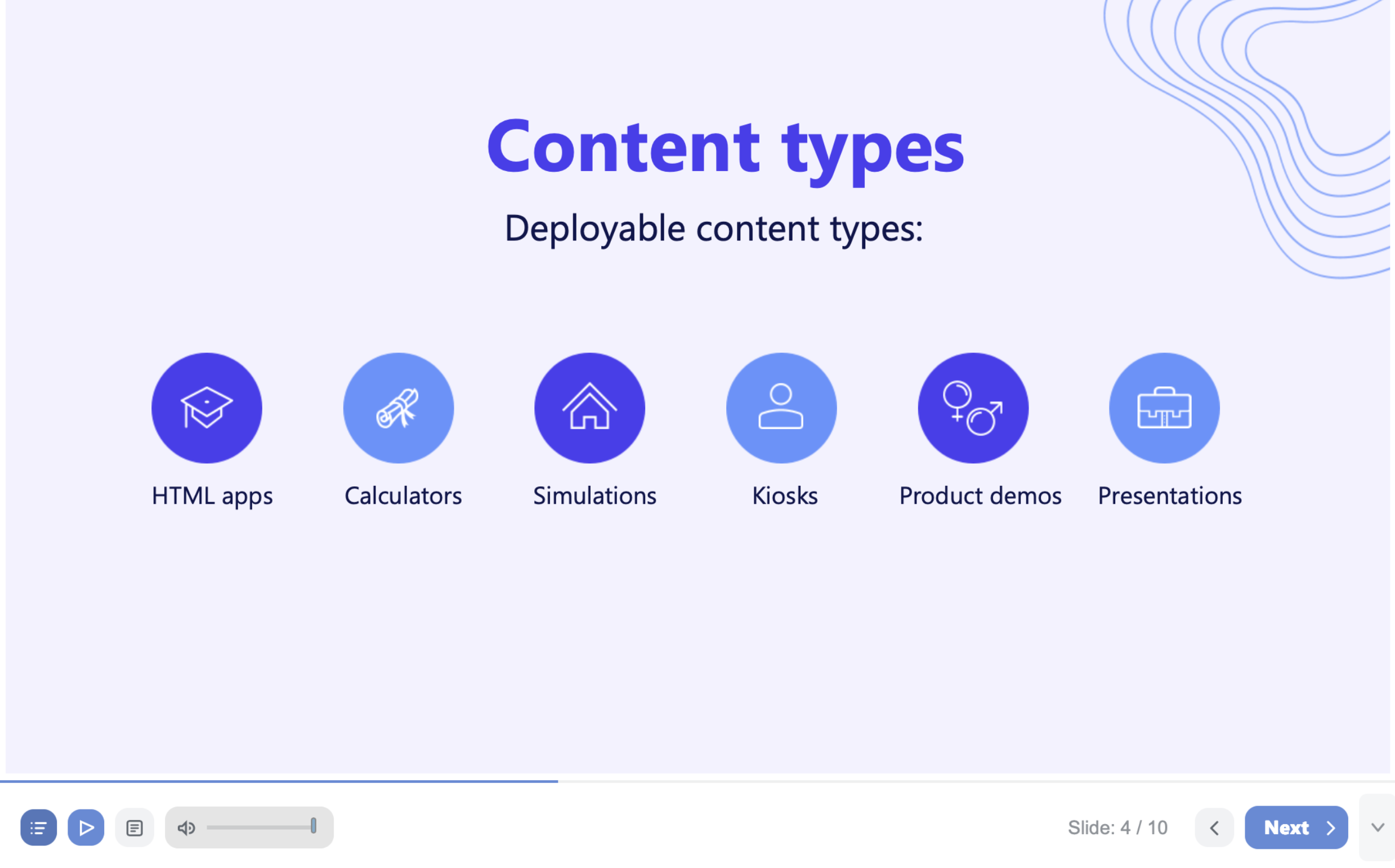
A real PowerPoint presentation playing in vablet Play. Open it in your browser
It took us a year to build. It takes you one upload.
Most platforms show you a picture of your slides. vablet Play plays your presentation: the builds, the timings, the video and the transitions, exactly as you designed them, on every device your reps and customers carry.
Big decks break everywhere except here.
Email a PowerPoint over 25 MB and most mail servers bounce it or turn it into a download link. Open a deck in a browser viewer and Microsoft documents what you lose: slide shows play only the Fade and Wipe transitions, embedded media is capped at 100 MB, and adding any video that is not from YouTube requires the desktop app. Your deck was built to move. On the receiving end, it stands still.
vablet Play has none of those ceilings. Files up to 2 GB. Every transition. Every video, re-encoded for mobile so it plays on the first tap. Seth Godin calls a product people cannot help talking about a Purple Cow. This is ours.
Three steps. Nothing to learn.
If you can build a PowerPoint deck, you can publish with vablet Play.
Upload your deck
Drag any .pptx, up to 2 GB, into the vablet admin console. Animations, transitions and embedded video are all welcome.
Set who sees it
Assign a folder and a group. Decide whether each audience can view, email, or download the original file.
Tap Play
vablet builds the Play version automatically (about 15 minutes for a typical deck), tunes every video for mobile, and delivers it to every authorized device. Tap Play and the deck advances on its own.
Upload to deployed in four minutes.
The full admin workflow, start to finish. For step-by-step instructions, see the vablet Play tutorial.
The link you shared last year opens this year’s deck.
Replace the PowerPoint in the admin console and vablet regenerates the Play version, revokes the old one on every device, and updates every link and QR code you have ever shared, including the one printed on a brochure two years ago. For regulated teams, that means a shared presentation cannot keep showing retired claims. It helps prevent the outdated-content findings that lead to a CAPA.
Performance, system and service. Most features deliver one.
Performance
2 GB files, every effect preserved, video re-encoded for phones and tablets. The deck plays the way it was built.
System
One upload feeds the phone, the tablet, the Windows PC, the browser, the shared link and the QR code. One source of truth on every surface.
Service
Replace the file and vablet handles revocation, redeployment, link updates and analytics. The admin does one thing. vablet does the other nine.
More than slides. A presentation player.
Every Play presentation includes an optional player bar below the deck. Show it for training and self-guided review, or hide it for a clean, full-screen customer experience.
Thumbnails
See every slide at a glance and jump straight to the one you need.
Speaker notes
Presenter notes travel with the deck for preparation, training and review.
Sound control
Volume lives in the player, so nobody hunts for device settings mid-meeting.
Play and navigate
Tap Play and the deck advances on its own. Hide the controls when you want the content to speak for itself.
Works offline
Once synced, presentations play with no connection: hospitals, factories, basements, airplanes. See the offline presentation tool.
Present securely. Know what happened next.
Slides cannot be extracted, edited or reassembled, so your content stays exactly as approved. Every Play presentation reports which slides were viewed and for how long, whether a rep presented it live or a customer opened a shared link. Every link you send comes back with data.
A raw .pptx vs. vablet Play
Why teams stop sending raw PowerPoint files.
| Capability | Raw .pptx | vablet Play |
|---|---|---|
| Opens without software | Requires PowerPoint | Any device, any browser |
| Files over 25 MB | Bounced by mail servers or forced to download | Opens instantly, up to 2 GB |
| Transitions in a browser | Fade and Wipe only in PowerPoint for the web | All of them |
| Embedded video | 100 MB cap in PowerPoint for the web | Re-encoded for mobile, plays on first tap |
| Offline viewing | Needs the app and the file | Built in |
| Slide extraction | Fully editable | Locked |
| Update after sharing | Re-send the file | Links and QR codes update themselves |
| Viewing analytics | None | Per slide, per viewer |
| Delivery size | Full file | Significantly smaller |
Anyone who builds in PowerPoint.
Life sciences and medical device teams who need every shared deck to be the approved version. Field sales in manufacturing, banking and private equity who present where there is no signal. Marketing teams tired of compressing video to squeeze under an attachment limit. If your company makes presentations in PowerPoint, vablet Play is for you, and it is included in every vablet plan.
Already building interactive decks?
Presentations built in interactive authoring tools such as Vismi also play in vablet, alongside your PowerPoint decks.
Frequently asked questions
What files work with vablet Play?
Any .pptx file up to 2 GB, with no restrictions on animations, transitions or embedded video.
How long does it take?
About 15 minutes for a typical deck, longer for decks with many videos. It runs in the background and vablet emails you when it is done.
Can someone edit or copy my presentation?
No. Slides cannot be extracted, removed or reassembled. To change the deck, edit the original .pptx and replace it in the admin console.
What happens when I update a presentation that is already shared?
vablet revokes the old version, deploys the new one, and updates every existing link and QR code so they open the current deck.
Can recipients get the original PowerPoint file?
Yes, if you set the file as downloadable or attach it to the rep’s email. Both settings are per file and per audience.
Does it work offline?
Yes. Once a presentation has synced to a device, it plays with no internet connection.
What can I track?
Page views and time spent on each slide, whether the deck is presented inside vablet or opened from a shared link.
What devices are supported?
iPhone, iPad, Android, Windows, Mac and any modern browser. There is nothing to install.
Is vablet Play extra?
No. It is included in every vablet plan.
Existing customers: the step-by-step admin tutorial walks through the full workflow.
Bring your biggest deck.
A 20-minute demo on an iPad with Wi-Fi off. Watch a 2 GB PowerPoint presentation open on the first tap.
Book a demo Download the overview (PDF)Microsoft and PowerPoint are trademarks of the Microsoft group of companies. vablet is an independent product of Meiotic, Inc. and is not affiliated with, sponsored by, or endorsed by Microsoft. Browser viewer limits cited from Microsoft’s PowerPoint for the web service description.