Fits the stack you already run.
vablet connects to the CRM, identity, storage, and BI systems you rely on, so approved content flows in without duplication and field activity flows out without typing. Salesforce and SAP natively; Microsoft Entra ID and Active Directory for users; SharePoint, Box, Dropbox, Google Drive, and MCP for content; Power BI and full-featured APIs for content, forms, reporting, device management, and more.
How does content sync work in vablet?
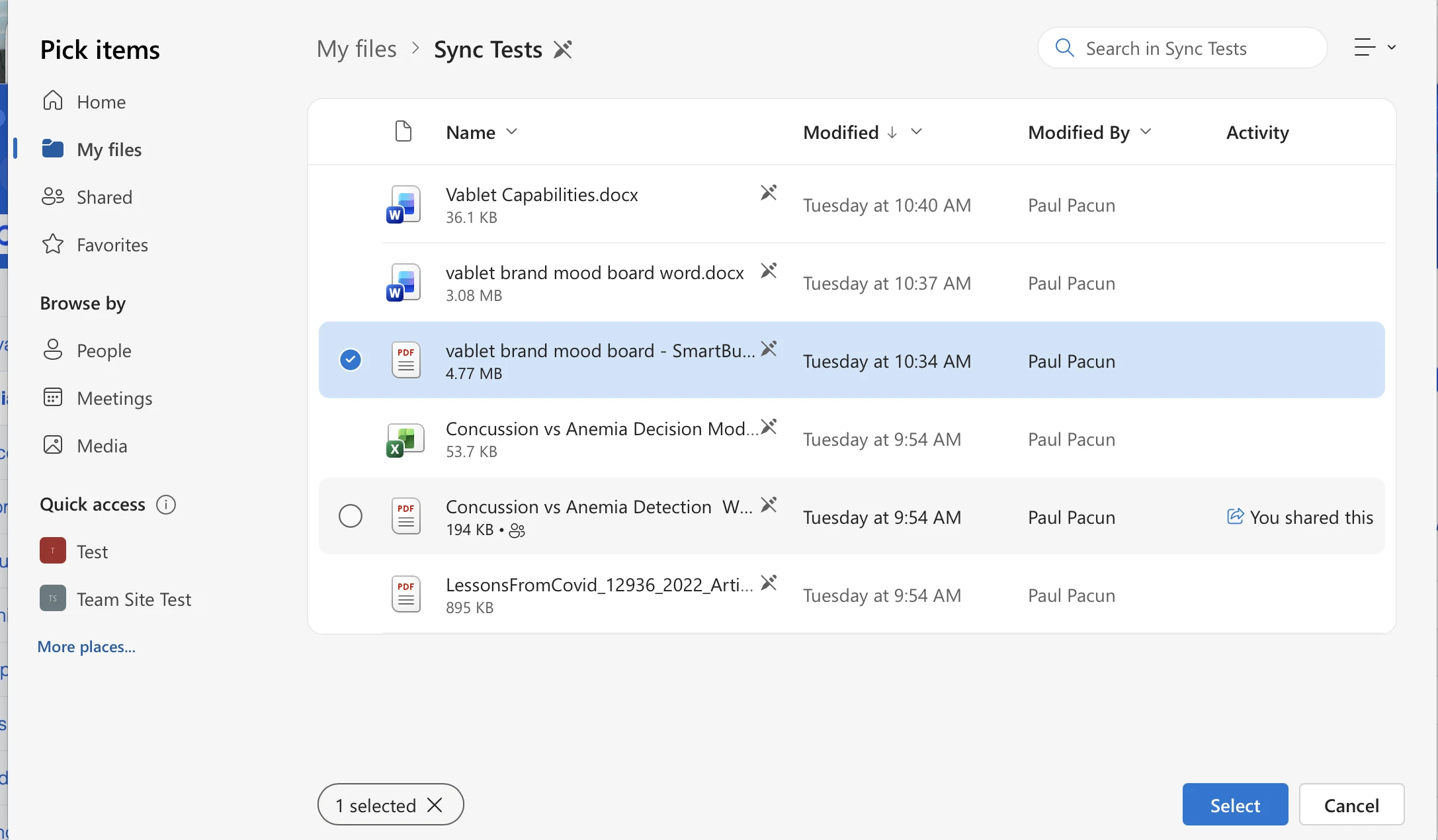
An admin connects OneDrive and SharePoint, Box, or Dropbox once, then maps a cloud folder to a vablet folder and the groups who should receive it. From then on, marketing keeps working in the drive they already use, and every rep in those groups gets the current file on their device.
Connect a cloud drive
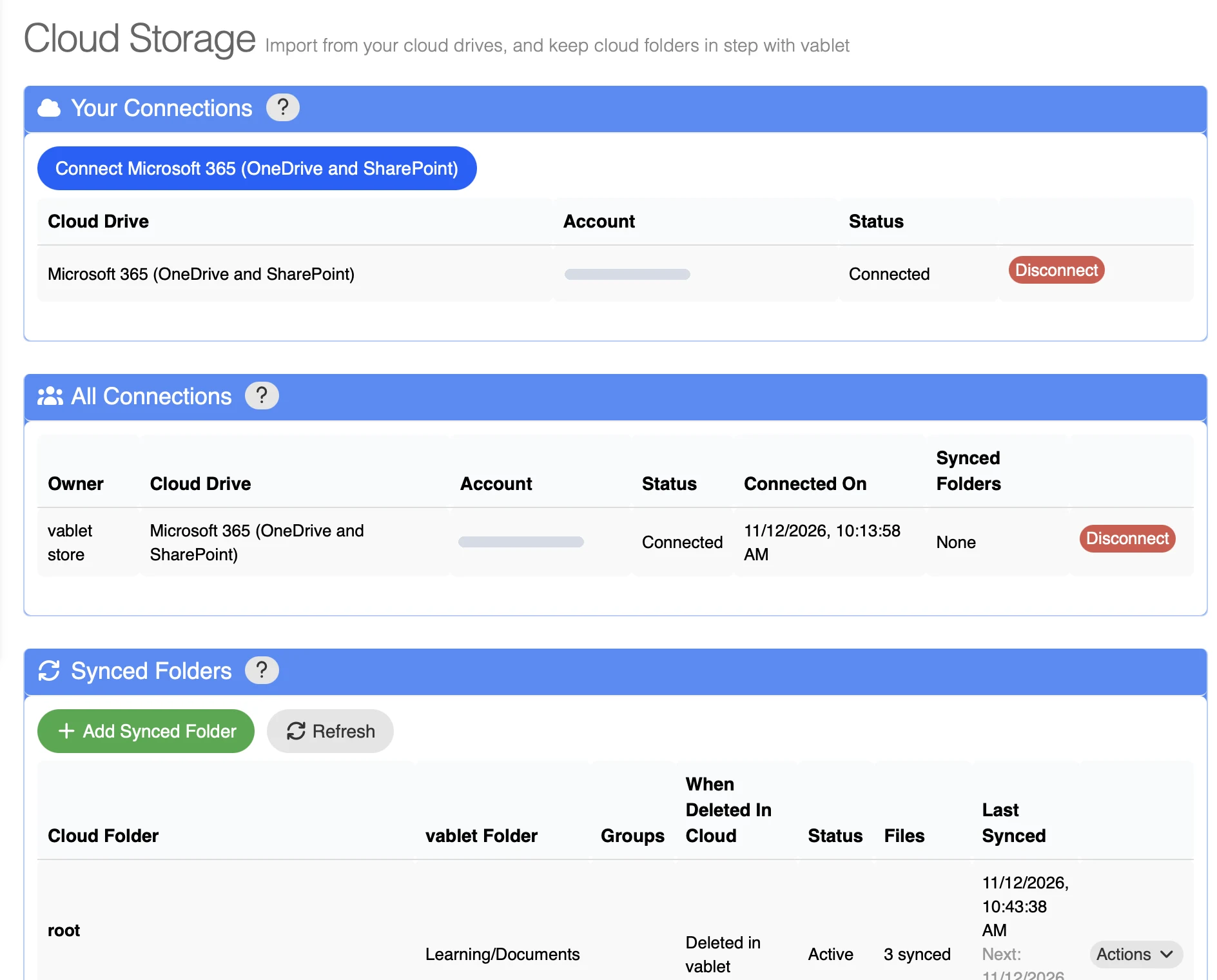
Open Cloud Storage in the admin console and sign in to Microsoft 365, Box, or Dropbox.
Add a synced folder
Pick the cloud folder, the vablet folder it lands in, and the groups that should get it.
Choose what deletions do
Decide how vablet treats a file that someone removes from the cloud folder.
Let it run
The first sync starts within a minute. Each folder then shows its status, file count, and last and next sync time.
Should you sync a whole folder or pick individual files?
Sync a folder when the content changes often and many people need it. Pick files when you want one specific asset in the library.
Keep a library in step with the source
- OneDrive
- SharePoint
- Box
- Dropbox
Best for sales libraries, training folders, and anything marketing updates on a regular basis. Set it up once and vablet follows the folder.
Bring in exactly the asset you need
- Google Drive
- YouTube
- Web URL
- Single files from Microsoft 365, Box, Dropbox
Choose Import From Cloud in Media Manager, then select the files you want. Good for one-off launches, a video for a single campaign, or a page you want reps to open from the app.
Which systems does vablet connect to?
Content sources
Microsoft 365: OneDrive and SharePoint
Map any OneDrive or SharePoint folder to vablet and assign it to groups.
Box and Dropbox
The same folder sync for teams whose approved files live in Box or Dropbox.
Google Drive, YouTube, and URLs
Add a single file, a video, or a web page to the library from Media Manager.
vablet MCP server
Give AI assistants that speak the Model Context Protocol governed access to your vablet content.
Veeva Vault PromoMats
Import approved content from PromoMats directly into the vablet library.
CRM, ERP, and field data
Salesforce
Calendars, contacts, opportunities, events, leads, and custom objects, online or offline. How the Salesforce integration works.
SAP C4C
Cut the double entry between vablet and your SAP customer cloud.
Marketing automation
Push, pull, update, and report across your marketing stack.
Custom HTML apps
Capture real-time data in the field with your own HTML apps and record it in Salesforce.
Identity, reporting, AI, and developers
Microsoft Entra ID and Active Directory
Single sign-on, with users and permissions kept current as people join, move, or leave.
Power BI
Send content usage and captured field data to the dashboards you already report from.
vablet APIs
Full-featured APIs for content, forms, reporting, device management, and more.
Secure Meeting Notes
AI meeting transcription and notes, built on Azure AI Foundry.
Salesforce and SAP C4C are premium options. Secure Meeting Notes is billed on consumption. Cloud sync, file import, and everything else listed are included. See pricing.
How do integrations work when reps are offline?
Two taps, not twenty fields
Tap to start the meeting, tap to end it. vablet records what was presented and writes the activity to Salesforce. Notes are optional.
Synced content stays on the device
Files from your synced folders are stored locally, so a rep in a hospital basement still opens the current version.
Salesforce, offline, on Windows
vablet takes Salesforce offline on Windows devices, so reps in plants and dead zones keep working. Changes sync when the device reconnects.
What does synced content look like on a rep’s device?
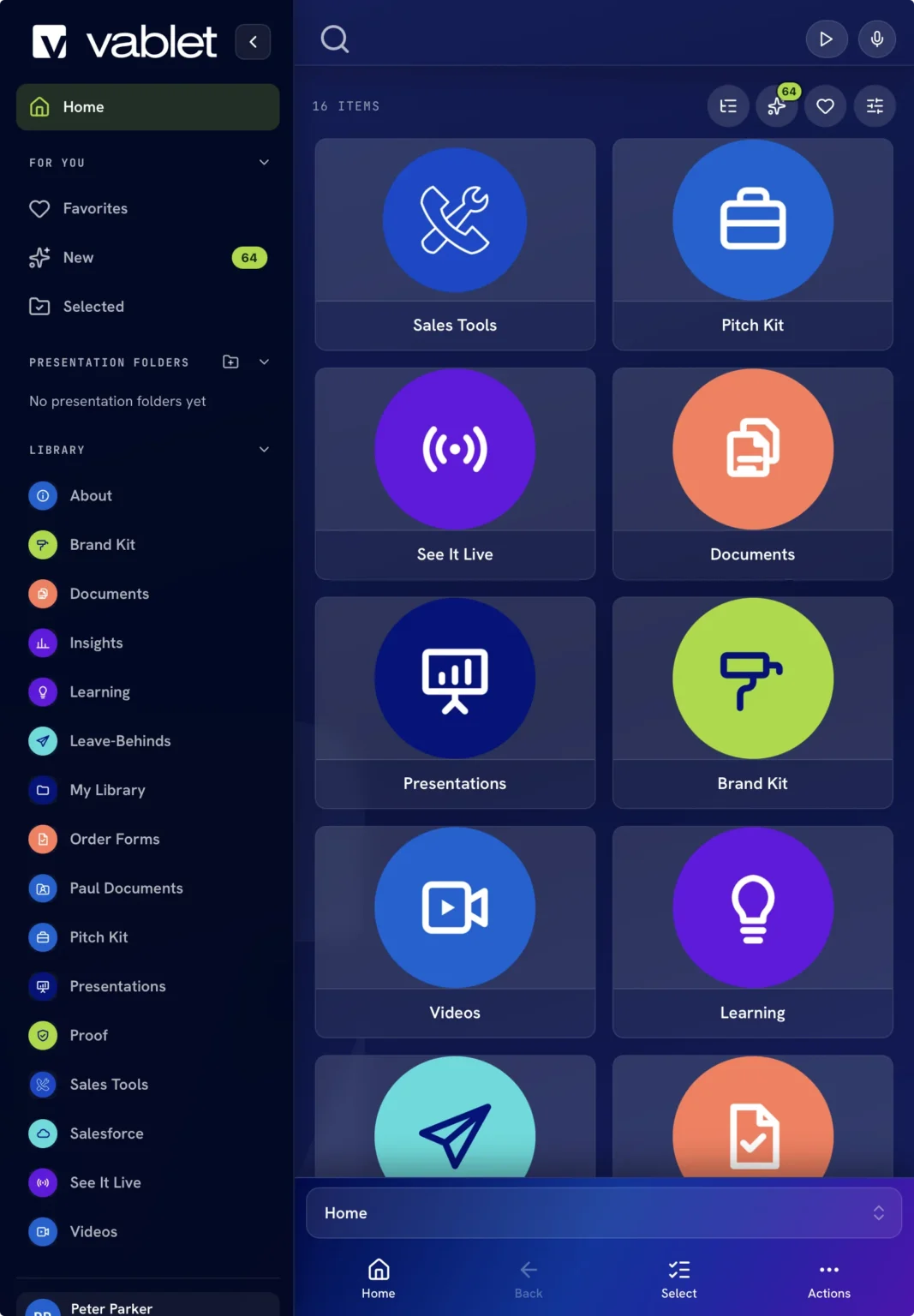
The approved library, with or without a connection
Everything a rep can open has already been approved. Expired assets disappear on their own, even offline.
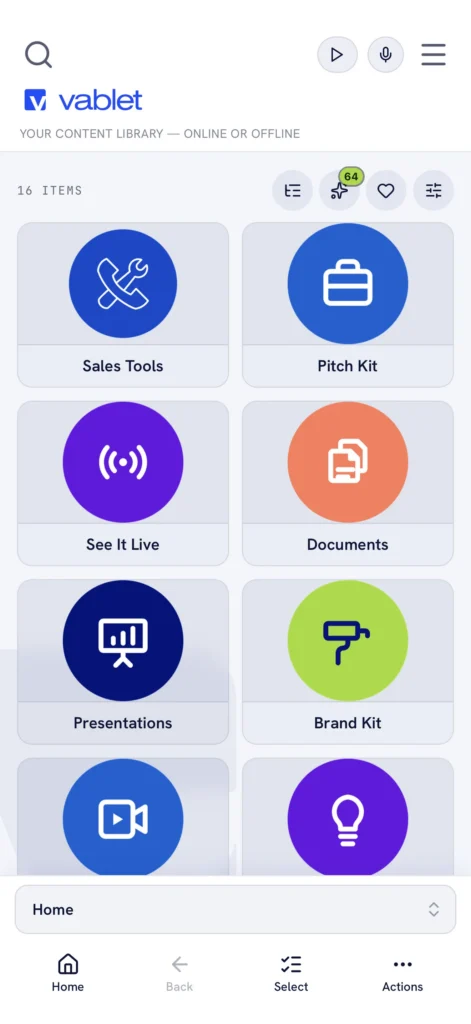
Same library, light or dark, any device
iPad, iPhone, Android, and Windows. Nothing for the customer to install.
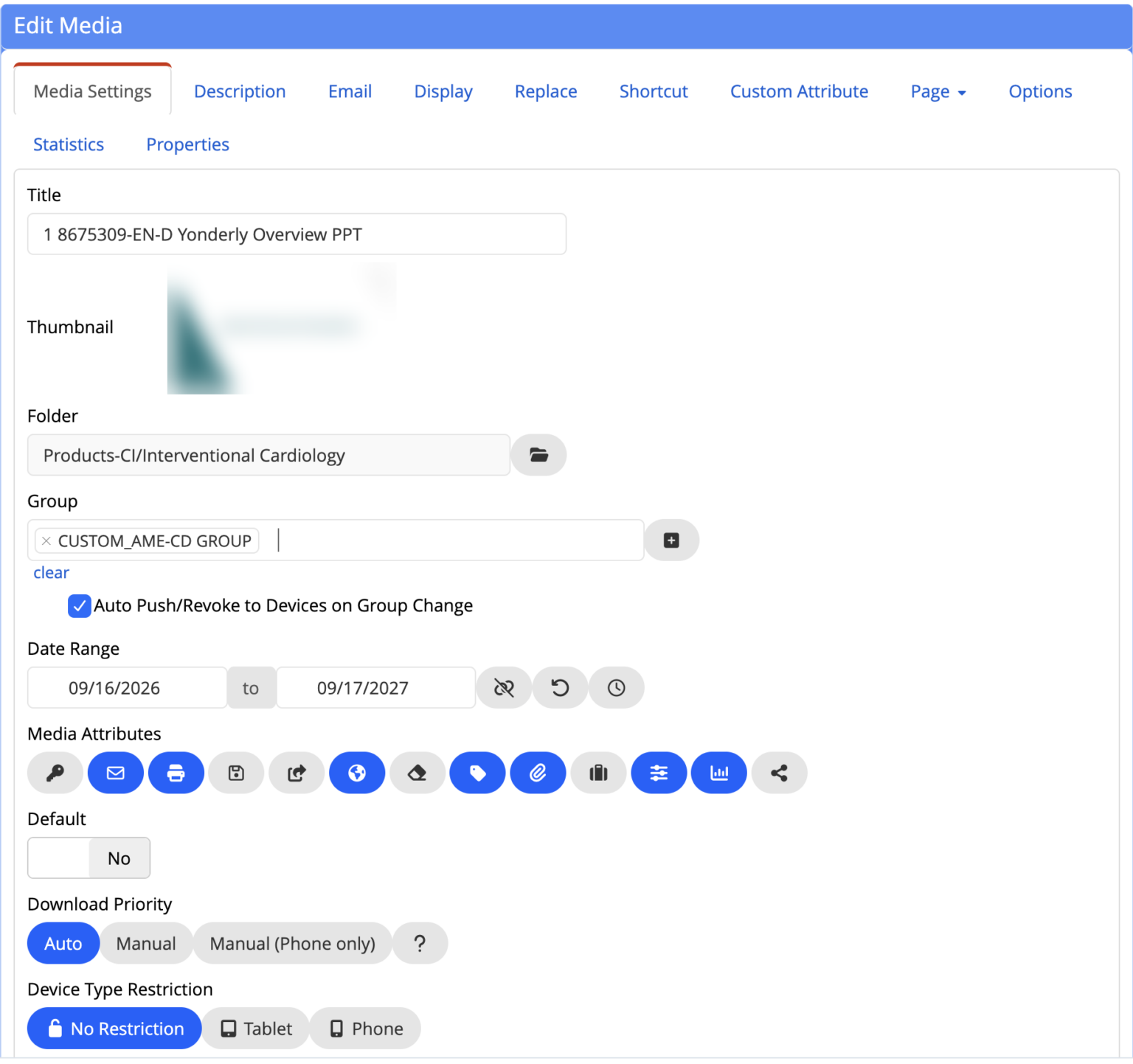
Approval window, audience, device rules: set once
Date range, groups, auto push and revoke on group change, download priority, and device restrictions on every file.
What do teams ask about vablet integrations?
What systems does vablet integrate with?
vablet integrates with Salesforce and SAP for CRM, Microsoft Entra ID and Active Directory for users, OneDrive, SharePoint, Box, Dropbox, Google Drive, YouTube and web URLs for content, Power BI for reporting, an MCP server for AI assistants, and APIs for content, forms, reporting and device management. A Veeva Vault PromoMats connector is in development.
Can vablet sync content automatically from SharePoint or OneDrive?
Yes. An admin connects Microsoft 365 once, then maps any OneDrive or SharePoint folder to a vablet folder. New and changed files in that folder reach the assigned groups of reps on every sync, with no re-uploading.
Which cloud storage services does vablet sync automatically?
Automatic folder sync works with Microsoft OneDrive, Microsoft SharePoint, Box and Dropbox. Google Drive, YouTube and web URLs are supported through individual file import.
How do I set up company-wide content sync in vablet?
In the admin console, open Cloud Storage, connect the cloud drive, then choose Add Synced Folder. Pick the cloud folder, the destination vablet folder and the groups who should get it, and decide what vablet does when a file is deleted in the cloud. The first sync starts within a minute.
Can I import individual files from Google Drive, YouTube or a URL?
Yes. In Media Manager, choose Import From Cloud and select the exact files you want from Google Drive, Microsoft 365, Dropbox or Box. You can also add a YouTube video or a web URL as a single item in the library.
What happens in vablet when a file changes or is deleted in a synced cloud folder?
Edits and new files in the cloud folder are picked up on the next sync. Each synced folder also has a When deleted in cloud setting, so the admin decides how vablet handles a file that is removed at the source, such as deleting it in vablet too.
How often does vablet sync with cloud storage?
The first sync begins within a minute of adding a folder; very large folders take longer to finish. After that, vablet syncs on a regular schedule and shows the last and next sync time for every folder in the admin console.
Is cloud content sync included in every vablet plan?
Yes. Automatic folder sync and individual file import are included on all vablet plans at no extra cost.
Does vablet integrate with Salesforce?
Yes. The native Salesforce integration, a premium option, records what a rep presented and writes the activity to Salesforce. Reps can update calendars, contacts, opportunities, events, leads and custom objects on or offline.
Does vablet have an MCP server?
Yes. The vablet MCP server is available now. It lets AI assistants that support the Model Context Protocol work with your vablet content through the same permissions and approval rules your admins already set.
What APIs does vablet offer?
vablet offers full-featured APIs for content, forms, reporting and device management, among other areas, so IT teams can automate publishing, collect captured data and manage devices from their own systems.
Does vablet work with Microsoft Entra ID and Active Directory?
Yes. vablet supports single sign-on with Microsoft Entra ID and Active Directory, so users and permissions follow people as they join, change roles or leave.
Can vablet send data to Power BI?
Yes. Content usage and data captured in the field can flow into Power BI, so marketing and sales leaders report from the dashboards they already use.
Do vablet integrations work when reps are offline?
Yes. Synced content is stored on the device, so reps present without a connection. Meetings, forms and Salesforce updates captured offline are sent to your systems as soon as the device reconnects.
Want to see vablet connected to the systems you run?
Twenty minutes, on a real device, with your own content, a live folder sync, and the Salesforce integration end to end.
Live in weeks. No implementation fee. $25 per user per month, MSRP.