



Give your sales team direct access to marketing assets
Guaranteed to shorten sales cycles, differentiate, and accelerate onboarding (or you don’t pay)


Who's using vablet?











Transform your organization with software that uncomplicates the sales process.
Our platform delivers solutions for any business—from growing organizations to complex, highly regulated global companies. It helps salespeople sell more effectively, marketers manage and track usage of content, and organizations achieve a better sales-marketing dynamic.
vablet works on any device—online or offline—and is easy to use and affordable. You can also seamlessly integrate vablet with Salesforce and customize automatic updates to reduce manual work. Unleash the potential of your sales force with vablet!
We needed an efficient way to get content into the hands of our global sales teams. This included multi-language and offline usage. These requirements were part of vablet, along with many other useful features that we didn’t even consider.
Director of Marketing, Global Pharmaceutical Company

Sales Enablement Tools
Win more deals using interactive presentations, fillable forms, and AI-driven content recommendations (and, you’ll work faster with the Salesforce integration.)

Enterprise Content Management
Solve document control and management challenges with a central digital content library available from any device, with or without Wi-Fi.

Sales Coaching and Learning Tools
Accelerate onboarding with easy-to-use learning capabilities. Continue to empower sales reps with ongoing, on-demand training.

Closed Feedback Loop
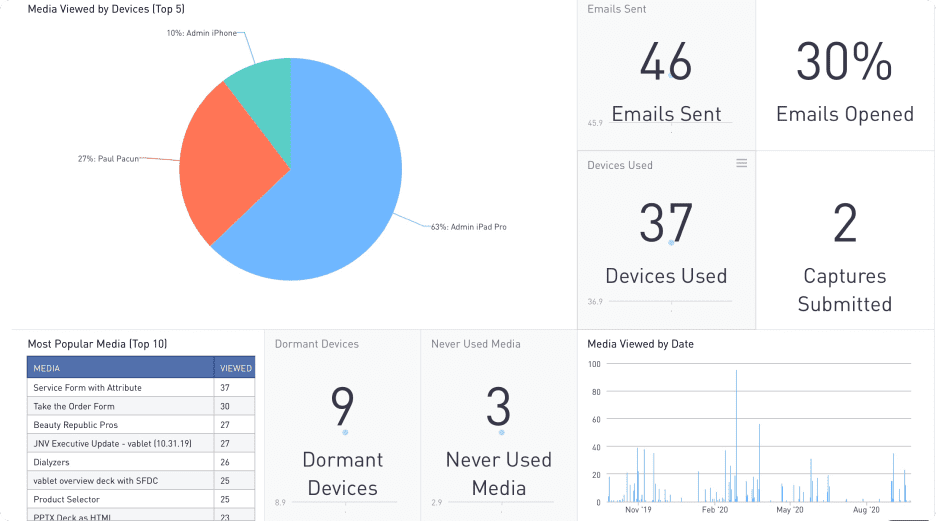
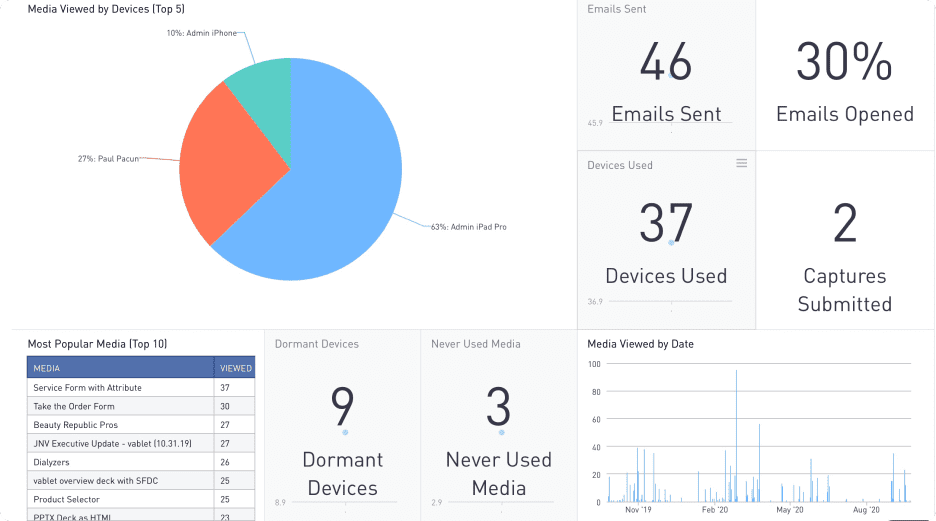
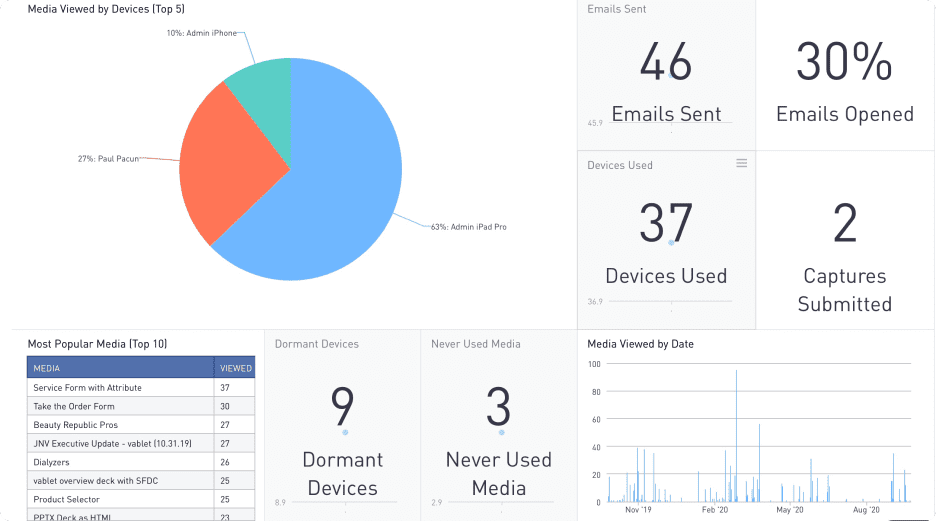
Capture real-time data on remote presentations and measure customer content
consumption, driving insights.

Personalized Presentations
Leverage rich media content to customize decks in a click to engage and hook prospects.

Automated Administrative Tasks
Eliminate manual work that deters reps from selling with integrations and tools that streamline workflows.
Does your sales team have access to the right content to close the deal?
See how you can provide them this intelligence by downloading our guide, Equipping Your Sales Team with the Right Content to Close the Sale
vablet makes my sales team happy, that’s all I need to know!
Marketing Manager, Industrial Product Packaging Machinery Company



Discover how vablet supports your industry.
The software is flexible and powerful enough to work for any industry. It can support SMBs and highly regulated industries.

Life Sciences

Manufacturing and Distribution

Financial Services
Experience the power of vablet, a sales enablement platform that’s customizable, user-friendly, and mobile-first.


Latest Blog Post
Why You Should Focus on Improving Sales Enablement Software

Latest Blog Post
During the Pandemic, Virtual Selling Became the Norm